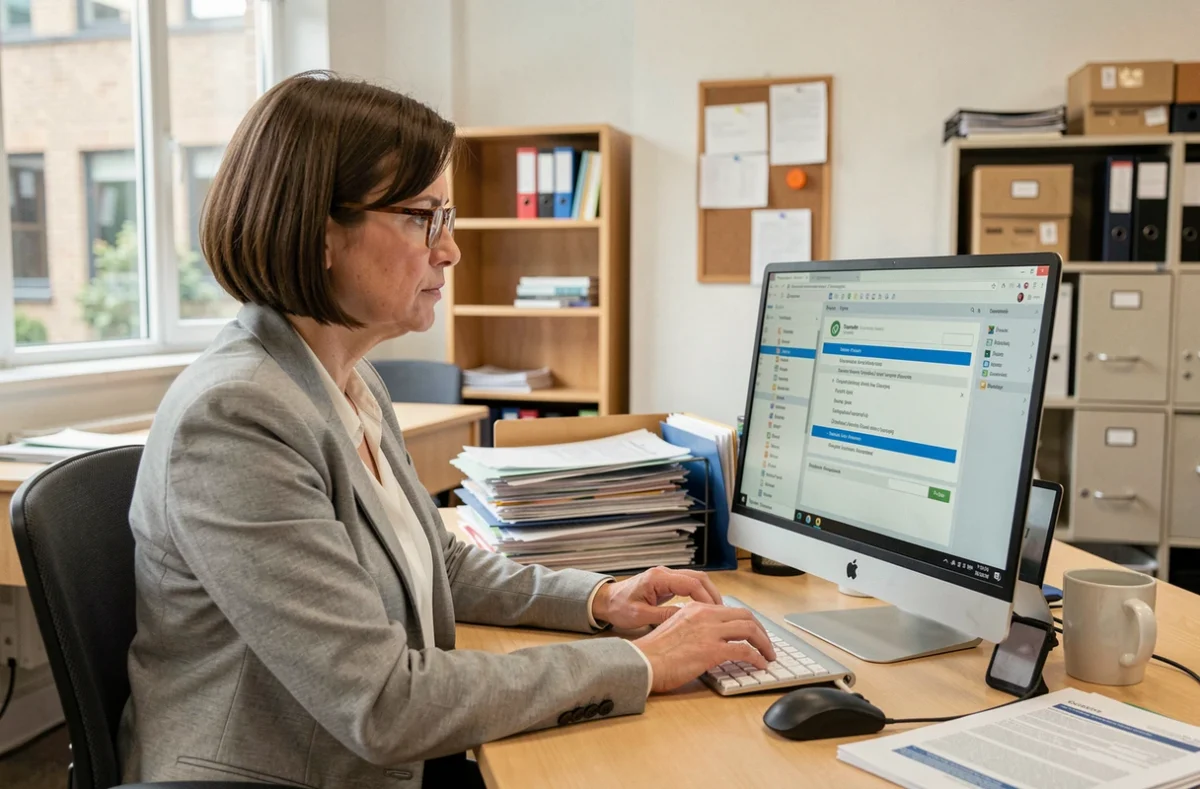
National Education staff assigned to DSDEN 28 use their academic email every day to communicate with schools, administrative departments and families. Hosted on the Orléans-Tours education authority’s infrastructure, this email service uses server-side spam filters. These filters intercept some unwanted emails before they reach the inbox, but how they work remains largely opaque to end users.
The problem is not limited to fraudulent messages that slip through the net. It also affects legitimate emails—meeting notices, school council minutes and transfer notifications—that the filter mistakenly classifies as spam. Understanding the settings available in webmail can help reduce both risks without having to rely on IT support every time.
Academic spam filtering: what users can actually configure
In academic webmail, the filtering options available to staff are limited compared with those offered by consumer email services. Most filtering takes place upstream, on the servers managed by the IT Services Division (DSI). Users cannot configure SPF, DKIM or DMARC rules, which are set at the ac-orleans-tours.fr domain level.
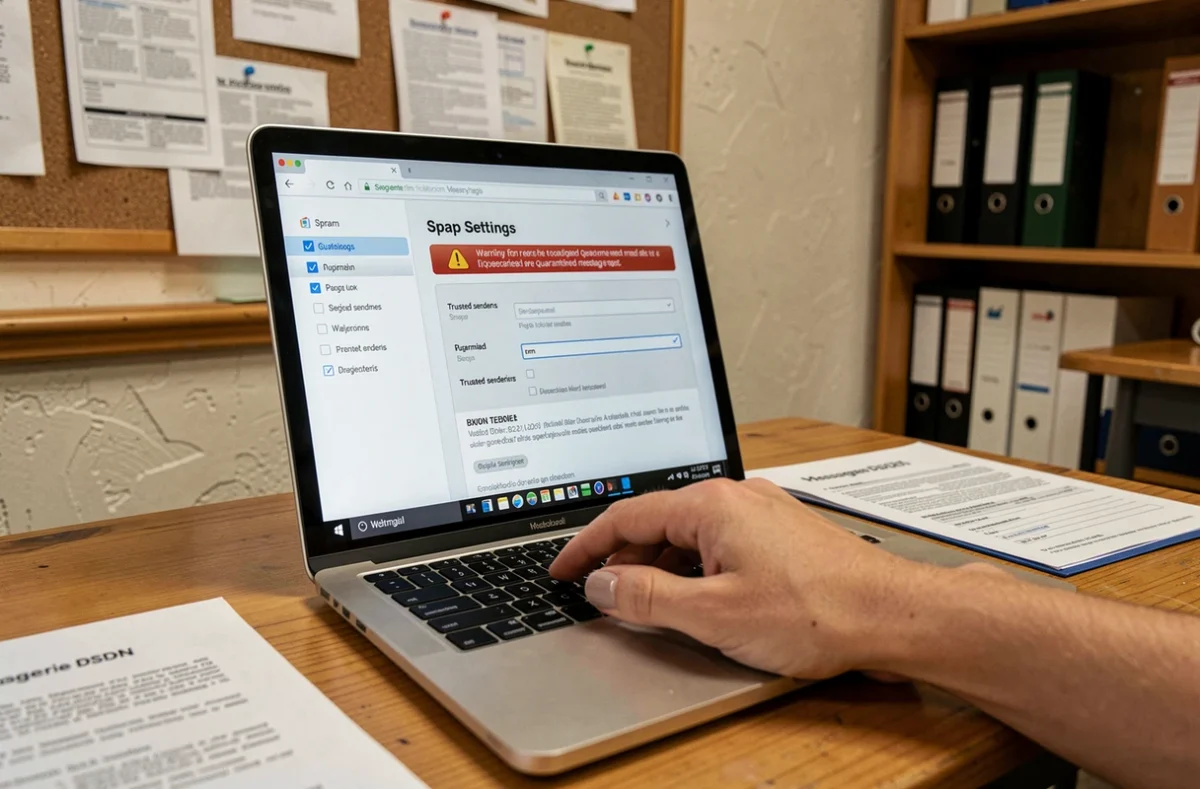
There are three things you can check in your interface. Check the “Junk” or “Spam” folder regularly: messages are kept there for a limited time before being automatically deleted. If a legitimate email is misclassified and left there too long, it will disappear without warning. The DSDEN 28 webmail spam settings should be checked at least once a quarter to prevent this kind of silent loss.
The second point concerns allowlists (approved senders) and blocklists (blocked senders). Depending on the interface, these lists can be found in the account settings under “Filters” or “Junk mail.” Adding an address to your allowlist ensures that its messages will no longer be filtered, even if their content would normally trigger the filter.

Legitimate message blocked by the spam filter: what to do without weakening security
The most frustrating situation is when an expected email—a DSDEN notification, a message from a school principal or a document sent by an academic department—never arrives in your inbox. Before assuming there was a sending problem, first check the spam folder.
If the message is there, you can take two steps:
- Mark the message as “Not spam” or “Not junk” in webmail. This tells the filter to adjust its criteria for that sender
- Add the sender’s address to your personal allowlist, especially addresses ending in @ac-orleans-tours.fr or @education.gouv.fr, which belong to institutional services
- Check whether the message contains an unusual attachment (.zip, .exe) that may have triggered the filter, since the filter scans attachments as well as the sender
If the message is in neither your inbox nor your spam folder, it was probably blocked at the server level before it could be delivered. In that case, there is nothing you can do on your own.
Report a false positive to the DSI without disabling protections
The Orléans-Tours education authority’s DSI provides a reporting channel through its support portal. A false-positive report should include the approximate date the email was sent, the sender’s address and the subject line of the expected message. A detailed report helps the DSI adjust server rules without lowering the overall level of filtering.
Disabling personal filtering altogether or adding entire domains to your allowlist (for example, *@gmail.com) may seem tempting, but it significantly weakens your protection. It is better to add individual addresses and report each false positive so the filter can gradually “learn.”
Phishing in DSDEN 28 email: signs the filter may miss
The education authority’s DSI reiterates this in its internal communications: no academic IT service will ever send a message asking you to confirm your password or click a link to “update” your account. Messages of this kind invariably come from hacked accounts, often belonging to other National Education staff whose credentials have been compromised.
The spam filter catches some of these attempts, but messages sent from a legitimate academic email address are more likely to pass the checks if the account has been hacked. The sender’s address may display a colleague’s name and an authentic ac-orleans-tours.fr domain.
Several signs can help you identify these messages despite their legitimate appearance:
- The message asks you to click a link to “verify” or “keep” your access to a service (webmail, I-Prof, ARENA). The DSI never does this
- The email signature contains unusual elements: a copyright notice, a logo you do not recognize, or the name of a service that does not appear in the academic authority’s organizational chart
- When you hover over the link without clicking, it points to a URL outside the ac-orleans-tours.fr or education.gouv.fr domain
- The message creates a false sense of urgency (“your account will be deleted in 24 hours”)
If you are unsure, do not click any links and forward the message to your education authority’s reporting address. If you have already entered your credentials on a suspicious page, change your password immediately through the official portal and contact the DSI.
Check your spam settings regularly: make it part of your routine
Server-side filters are updated without notifying users. A personal setting that worked at the start of the school year may become out of sync after an infrastructure update. Checking your spam folder and allowlists at the start of each school term helps reduce the risk of missing an important institutional message.
Academic email is a centralized service whose security depends on both server-side protections and individual practices. The spam settings available in webmail do not replace vigilance against phishing attempts, but they significantly reduce inbox clutter.
Systematically reporting both false positives and fraudulent messages directly helps improve filtering for all DSDEN 28 staff. Every report sent to the DSI informs the shared rules, benefiting everyone using the same academic domain.